


.svg)

.svg)


From Rise to Unrestricted: What Becomes Possible When Learning Scales



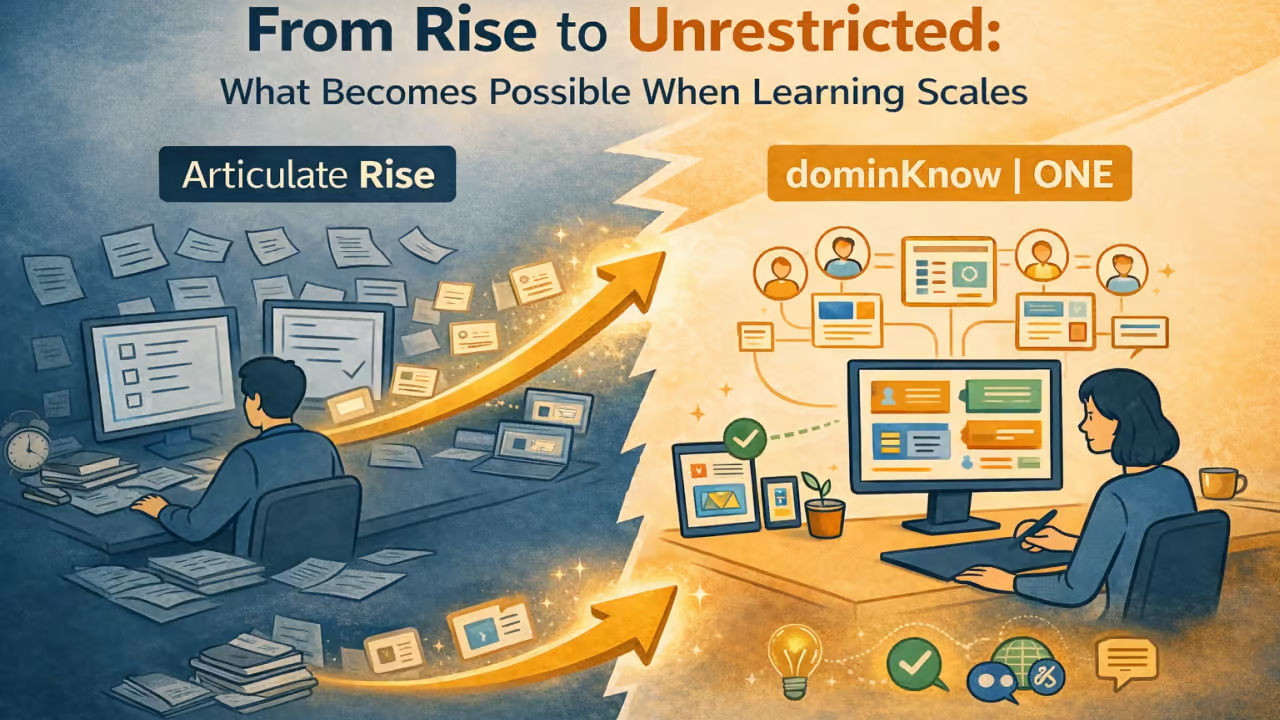
In the first article of this series, we explored a familiar moment many learning teams encounter: when a tool that worked well early on begins to result in feelings of constraint as learning programs grow.
The challenge is rarely about starting over.
More often, it is about how to scale learning without sacrificing design, flexibility, or the work already invested.
That question was at the center of a recent webinar, Beyond Rise: Unrestricted eLearning Design at Scale, where instructional design leader Jacqueline “Jac” Hutchinson of eLearning Pros shared how her team moved beyond the limitations of template-driven authoring while preserving existing content and workflows.
What follows isn’t so much a story about switching tools, albeit that did happen. It is about what becomes possible when learning teams remove structural constraints and design for scale from the inside out.
The Real Barrier to Growth Is Not Content
One of the biggest misconceptions about scaling learning is that content volume immediately results in a problem.
In reality, most teams already have plenty of content. What holds them back is how that content is structured, reused, and adapted over time.
Common friction points include:
- Maintaining multiple versions of the same course
- Supporting different audiences with overlapping needs
- Updating content without rework
- Preserving brand and design intent as libraries grow
- Gaining insight into learner behavior beyond completion
Scaling learning successfully requires addressing these challenges without forcing teams to rebuild everything from scratch.
Conversion as a Starting Point, Not an Endpoint
For many organizations, the idea of leaving Rise behind triggers anxiety. Years of content represent real investment, and rebuilding course by course is rarely practical, no matter how frustrated the team may be.
That is why conversion matters.
During the webinar, Jac described her initial skepticism when converting Rise courses into dominKnow | ONE. That skepticism quickly turned into confidence when the converted courses preserved structure, content, and interactions with minimal cleanup required.
Conversion does more than migrate content. It creates a foundation for scale by placing existing learning into an environment designed for flexibility, reuse, and growth.
From that point forward, teams are no longer constrained by the original template model.
What we imported versus what we ended up with in dominKnow — the difference was night and day.
Intentional Launch Pages: Designing for Clarity, Not Just Familiarity
When teams move beyond rigid, template-driven authoring, one of the most overlooked opportunities is the launch page itself. Too often, launch pages default to a familiar “menu-style” layout—not because it’s the best experience for learners, but because it’s the easiest or only option.
In the webinar example, the team made a deliberate decision not to replicate a Rise-style menu, even though that option was available. Instead, they redesigned the launch experience to focus on what the learner actually needs to do, not just what content exists.
Rather than presenting a long menu of topics, the launch page clearly communicated:
- The number of required sections
- The time commitment for each section
- The order in which learners should proceed
This shift reframed the learner experience from navigation to decision-making. Learners could immediately answer:
- What do I need to complete?
- How long will this take me?
- What should I do next?
By separating content into visually distinct, time-based segments, the team reduced cognitive load. It removed ambiguity, which is especially important for learners accessing the course on different devices or in short time windows.
The result was a launch experience that:
- Improved learner confidence before starting
- Reduced friction and false starts
- Made the course feel more approachable and manageable
- Remained fully responsive across screen sizes
Importantly, this wasn’t about abandoning familiarity altogether. In other courses, the team did preserve a Rise-like look and feel where consistency mattered. The key difference was choice: the ability to adapt the structure based on learning goals rather than being locked into a single pattern.
This kind of intentional launch-page design may seem like a small change, but at scale it has an outsized impact—especially for organizations trying to improve completion rates, reduce learner frustration, and create experiences that respect learners’ time.
Designing for clarity at the very start of a course sets the tone for everything that follows.
Give learners a clearer start: what to complete, and how long each part takes.
One Course, Multiple Audiences, No Duplication
One of the most immediate benefits of moving beyond template-based authoring is the ability to support multiple audiences from a single source.
In the webinar example, the same course needed to serve:
- Staff members, who required deeper procedural detail
- Residents, who needed a more approachable, streamlined experience
Previously, this meant duplicating courses and managing parallel updates and individual assignments within the LMS. After conversion, Jac’s team was able to redesign the primary course to support both audiences within a single project, with:
- Audience-specific pages
- Conditional content
- Different interaction counts and sequencing
- Clean numbering and navigation for each learner type
The result was not only less maintenance but also clearer learning experiences for each audience, as well as a reduction in LMS admin and support efforts associated with identifying which course a user should be assigned to and later correcting an incorrect assignment.
This shift from duplication to single-source design is one of the most foundational and important steps teams can take when scaling learning.
“We were maintaining two separate courses and updating both every time something changed.”
Design Freedom Without Fragmentation
Template and block-based tools are designed to reduce design decisions. That can be helpful early on, but it limits how learning experiences evolve.
Once content is no longer locked into fixed blocks, teams gain the ability to:
- Create varied layouts based on instructional need
- Use visual hierarchy intentionally
- Introduce white space, contrast, and pacing
- Apply brand standards consistently while allowing purposeful variation
In the webinar, Jac highlighted how her team was able to move beyond repetitive page structures and create experiences that felt purposeful rather than formulaic.
Importantly, this design freedom did not require abandoning responsiveness. Courses remained fully responsive while allowing significantly more control over how content appeared and flowed.
Flexible layouts aren’t just about navigation—they’re about brand, reuse, and better responsive experiences.
Interactivity Without Workarounds
As learning programs mature, interactivity becomes less about novelty and more about effectiveness.
Teams want to support:
- Reflection exercises that capture learner input
- Feedback that adapts based on responses
- Scenarios that mirror real-world decision-making
- Practice opportunities that reinforce understanding
In Rise, many of these needs are addressed through embedded Storyline blocks. While effective in isolation, this approach introduces fragmentation, especially on mobile devices.
After conversion, Jac’s team replaced Storyline blocks with native interactions that supported:
- Variables and conditional logic
- Trigger-based feedback
- Cleaner mobile behavior
- Simpler maintenance
The result was not just better interactivity, but a cohesive learning experience that worked equally well across desktop, tablet, and mobile devices. For designers, it also meant working in a single authoring environment, eliminating the need to switch tools, manage multiple source files, or republish content twice for every update.
You shouldn’t have to work around your authoring tool just to create meaningful interactivity.
Reflection, Memory, and Learning That Builds Over Time
One of the most powerful examples shared during the webinar was a reflection exercise that appeared at both the beginning and end of a course.
Learners were asked to record their initial thoughts, then revisit those responses after completing the content. Their original input was preserved and reintroduced later, prompting comparison and deeper reflection.
This kind of longitudinal learning interaction is difficult to achieve in rigid authoring environments. When variables, logic, and persistence are built into the platform, learning can become more intentional and personal without becoming complex to manage.
For teams focused on behavior change, not just information delivery, this capability is transformative.
By capturing learner input early and revisiting it later, reflection becomes part of the learning journey—not just a moment.
Scenarios That Inform Design Decisions
Scenarios are often treated as assessments. In practice, they are also diagnostic tools.
In the webinar example, scenario responses were tracked using xAPI, allowing the team to see:
- Which choices learners struggled with
- Where misconceptions persisted
- How often learners needed to retry
This data closed the loop between design and outcomes. Instead of assuming content effectiveness, the team could refine instruction based on real learner behavior.
Scaling learning is not just about delivering more content. It is about learning faster from learners.
Turn branching scenarios into measurable learning—score it, track choices with xAPI, and improve the content based on real learner data.
Scaling Without Sacrificing What Matters
The throughline in this journey is not replacement. It is an expansion.
Moving beyond Rise did not require Jac’s team to abandon what worked. It allowed them to:
- Preserve existing content
- Expand design capability
- Reduce duplication
- Support multiple audiences
- Improve insight and iteration
Most importantly, it allowed learning to scale without sacrificing design quality, learner experience, or team sanity.
What Comes Next
Every learning program reaches a point where templates or fixed block designs alone are no longer enough.
The teams that scale successfully are not the ones that rebuild everything. They are the ones who choose platforms designed to grow with them.
If your organization is asking how to scale learning without sacrificing design, engagement, or control, the answer may not be to start over, but to unlock more from what you already have.
Ready to explore what dominKnow | ONE can do for your organization? Schedule a call with our team and let’s explore your organization’s needs together!