


.svg)

.svg)


AI Images, Scenario Design, and the Next Evolution of Learning Visuals



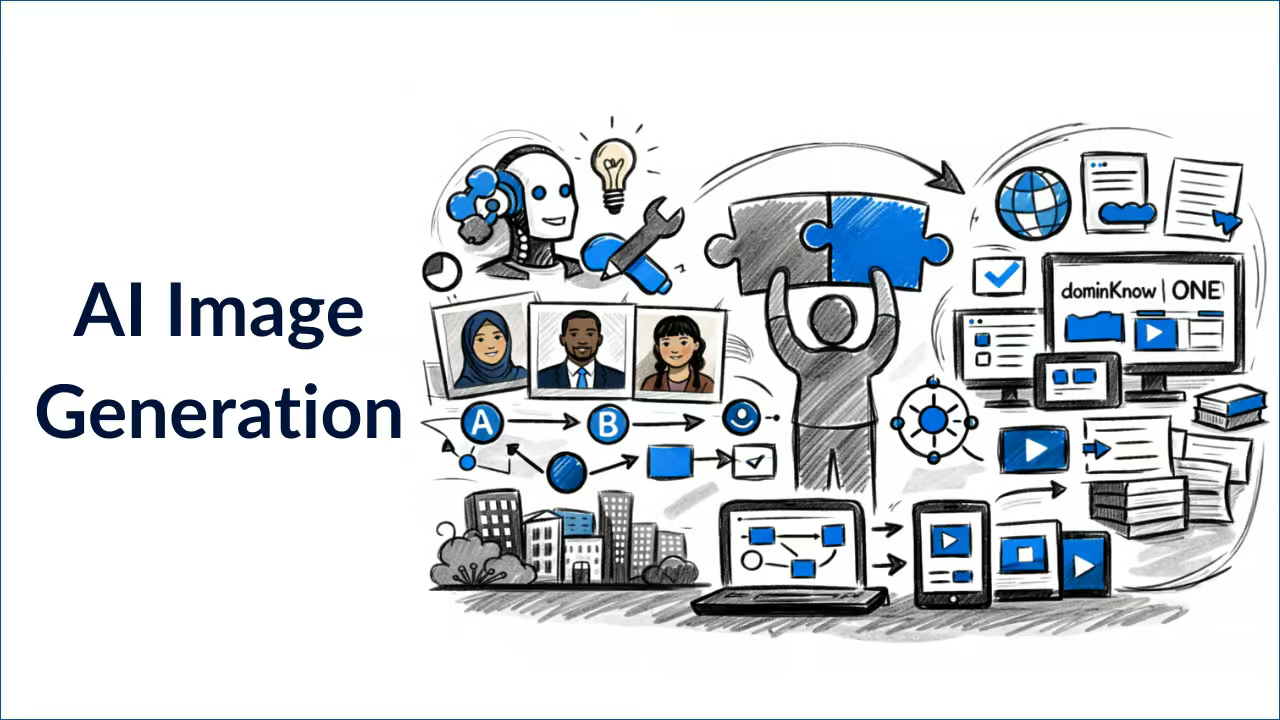
When we hosted a recent session of Instructional Designers in Offices Drinking Coffee (#IDIODC) featuring Christy Tucker, the conversation quickly moved past beverages and into one of the most practical challenges instructional designers face today:
How do you create cohesive, realistic, and inclusive visuals for scenario-based learning without wasting hours searching stock photo libraries?
For anyone building branching scenarios, customer simulations, compliance training, or leadership development programs, visuals are not decoration. They are structural. They influence credibility, engagement, and narrative flow. And increasingly, AI image generation is becoming part of that workflow, especially when those visuals need to work seamlessly inside responsive learning environments such as dominKnow | ONE.
Here’s what we learned.
Why Stock Images Fall Short in Scenario-Based Learning
Most authoring tools, including enterprise platforms like dominKnow | ONE, provide built-in stock libraries or character sets. But most stock images were built for marketing, not instructional storytelling.
Common challenges include:
- Overly cheerful expressions when you need frustration or tension
- Limited emotional range
- Inconsistent character poses
- Underrepresentation of specific ethnic groups
- Difficulty representing visible disabilities
- Inability to maintain visual continuity across scenes
Christy shared a powerful example:
trying to find a Native American high school student for a teacher training scenario. The stock libraries simply did not reflect the population accurately. Stereotypes were common. Age-specific realism was difficult.
The problem often is the inability to create a narrative consistency. In branching scenarios, if a character changes subtly from scene to scene, the imagery’s ability to support the scenes erodes.
AI for Character Consistency and Branching Scenarios
Christy’s initial exploration of AI image generation was driven by one primary need: consistent characters in branching scenarios. Early AI tools struggled with this. Character faces drifted. Hair changed. Clothing shifted. But improvements such as character reference functionality made continuity achievable. Christy has documented this evolution in detail in her article on how to create consistent character images in Midjourney
With reference-based workflows, designers can now generate:
- Multiple poses of the same character
- Emotional variations
- Scene transitions while maintaining identity
- Consistent stylistic treatment
For scenario-based learning, this eliminates one of the largest production bottlenecks: sourcing or staging custom photography.
Not All AI Tools Are the Same
One of the most practical segments of our discussion centered on tool differences. Many instructional designers experiment only with ChatGPT image generation and assume that defines the category. It does not. Christy had previously explored this in an article where she broke down the differences with AI image generation tools and in this IDIODC session, we reviewed several of these pertinent differences.
ChatGPT and Gemini
- Strong conversational prompting
- Easy iteration
- Limited control over aspect ratios
- Recognizable stylistic defaults
Midjourney
- Greater stylistic range
- Strong reference image controls
- Precise aspect ratio options
- More visual variation
Vector-focused tools like Recraft or Brushless
- SVG export capability
- Better palette consistency
- Stronger icon generation workflows
For enterprise learning teams and freelancers alike, this distinction matters. Vector icons scale better. Raster images may be sufficient for scenarios, but less flexible for UI elements. Depending on your needs, different solutions may be a better fit. Choosing the right tool is less about trends and more about production needs. Christy also pointed out that all the tools are rapidly evolving, and past differences or specific weaknesses have certainly shifted since her initial exploration.
The Hidden Frustration: Aspect Ratios and Precision
One particularly relatable part of the session was about aspect ratio control.
You request 16:9.
You receive 4:3.
You specify 1280x720.
You get something “close.”
This is not a user error. Large language models are approximate rather than calculating precisely. Of course, there are exceptions. Christy pointed out that Midjourney performed especially well in maintaining and creating the correct aspect ratios.
When thinking about aspect ratios or specific pixel sizes, it’s also important to consider where the image will live — in a slide-based design or in a truly responsive layout. In slide-based (fixed-pixel) design, exact dimensions matter. If your image needs to fit a 1280x720 slide without cropping or scaling artifacts, precision becomes important. In responsive design, however, strict pixel dimensions matter less. What becomes more important is maintaining the correct aspect ratio. In many cases, generating a larger image with the right ratio gives the layout more flexibility across devices and screen sizes.
With dominKnow | ONE, you can choose the approach that best supports your design intent. The decision between fixed and responsive authoring is based on learning strategy and delivery needs, not limitations in functionality. The dominKnow community article “Should I Claro or Should I Flow?” explores those tradeoffs in more detail and can help you determine which approach makes the most sense for a given learning content project.
When you understand both your visual generation tools and your publishing environment, you make smarter production decisions.
Prompting Is a Skill, Not a Shortcut
A major takeaway from the session was that image prompting requires a different mental model than text prompting. Long, narrative prompts that work for writing are often underperforming in image generation.
Christy recommends:
- Short, structured phrases
- Focus strictly on visible elements
- Modify one variable at a time
- Restart chats if drift occurs
Example:
Editorial photo, Asian woman mid-40s, dual monitors, modern office, fluorescent lighting.
That level of specificity often produces better results than paragraphs of narrative context. Prompting is not magic. It is structured instruction. And like any instructional design skill, it improves with repetition.
Diversity, Bias, and Intentional Representation
AI image generation reflects its training data. If you prompt “CEO,” you may receive a white male executive by default. If you prompt “development team,” you may see conventional marketing stereotypes of a happy team. AI does not remove bias. It can amplify it. But it can also be directed.
Explicit prompts for:
- Ethnicity
- Age
- Cultural setting
- Clothing realism
- Visible disabilities
enable representation that stock libraries typically fail to provide.
Christy also discussed ongoing experimentation with more accurate portrayals of:
- Natural hairstyles
- Forearm crutches
- Cultural clothing details
- Less stereotypical expressions
In these cases, early results with AI tools were often poor, but tools are improving. Even so intentional prompting remains essential.
Why This Matters for Enterprise Learning Teams
This conversation was not about novelty. It was about production workflow. Enterprise L&D teams as well as small and medium sizes teams are all under pressure to:
- Produce more content
- Update faster
- Maintain brand consistency
- Deliver globally
- Improve representation
- Reduce rework
AI image generation supports these goals by helping teams:
- Accelerate scenario development
- Improve visual cohesion
- Reduce time spent searching for assets
- Create more inclusive representation
- Build repeatable visual systems
But AI visuals alone do not solve workflow challenges. To fully realize the value of AI-generated assets, those visuals must live inside a structured content environment that supports reuse, governance, and scalable publishing. That is where dominKnow | ONE plays a critical role.
With dominKnow | ONE, teams can:
- Maintain brand standards with shared templates and themes
- Update visuals once and publish changes across outputs
- Deliver responsive or fixed layouts without rebuilding assets
- Manage multilingual versions from a centralized project
AI helps generate better visuals faster. dominKnow | ONE ensures those visuals are managed, governed, and scaled effectively across the enterprise. The result is not just better-looking courses. It is a more sustainable content production system.
Practice Is the Real Multiplier
Christy emphasized one theme repeatedly: experimentation without deadline pressure is essential. You do not develop prompting skills by watching demonstrations alone. You develop it by building. For teams wanting deeper hands-on experience with authoring workflows, dominKnow’s provides free structured, practical training.
And for those ready to dive specifically into AI visuals:
Join the Hands-On Session: Build Cohesive Learning Visuals with AI
We are continuing this conversation in an interactive session: Build Cohesive Learning Visuals with AI – Hands-On Session
In this live session with Christy Tucker, she will cover:
- Practical prompting frameworks
- How to build consistent scenario characters
- How to create cohesive icon systems
- How to manage color palettes
- How to choose the right AI tool for each task
- How to experiment strategically
If you build branching scenarios, scenario-based learning, or enterprise eLearning programs, this session will provide immediately applicable skills.
Continue Learning with Christy Tucker
Christy continues to publish insights on branching scenarios, AI image generation, and instructional design experimentation on her blog. Her work remains one of the most thoughtful and practical voices in the learning design community.
Closing Thoughts
AI will not replace instructional designers. But instructional designers who learn to use AI effectively will dramatically expand what they can produce. The next evolution of learning visuals is not about automation. It is about skillful integration.
Want to learn more? Watch the replay of our From Generic to Custom: AI-Generated Images for Learning Content and sign up to join us for future Instructional Designers in Offices Drinking Coffee (#IDIODC) sessions.